Last updated: October 21, 2026
Check-in text messages
FamiliaLista checks in on its members on a schedule they choose, to confirm they're okay. Members in the United States can choose to receive those check-ins by text message. This page explains how that works.
Who gets texts
Two kinds of people can get FamiliaLista texts, and each one turns them on themselves. Texts are off by default for everyone. We never text a number until the person who owns it has said yes on their own screen.
- Members get their own check-in texts.
- A member's trusted contact or family member can get a text if that member misses check-ins, but only after they opt in from the email we send them.
1. Members: opt in on the Check-in screen
In the FamiliaLista app (app.familialista.com and the iPhone and Android apps), open the Check-in screen and choose Text message under "How should we reach you?" A checkbox appears with the wording below. It starts unchecked. Save stays off until the member ticks it:
By choosing text messages, you agree to receive check-in texts from FamiliaLista at your phone number, as often as your check-in schedule. Msg & data rates may apply. Reply STOP to cancel, HELP for help.
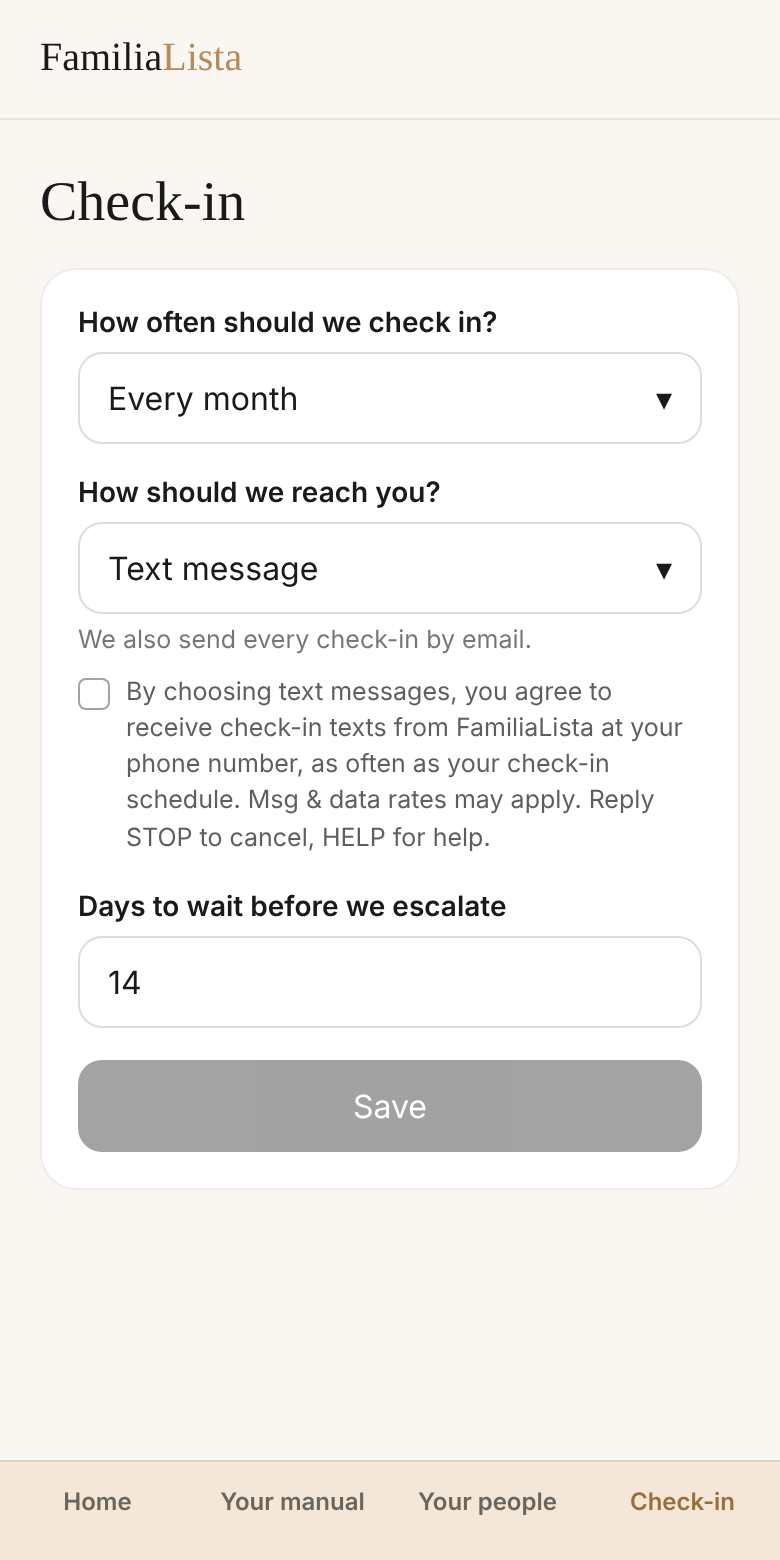
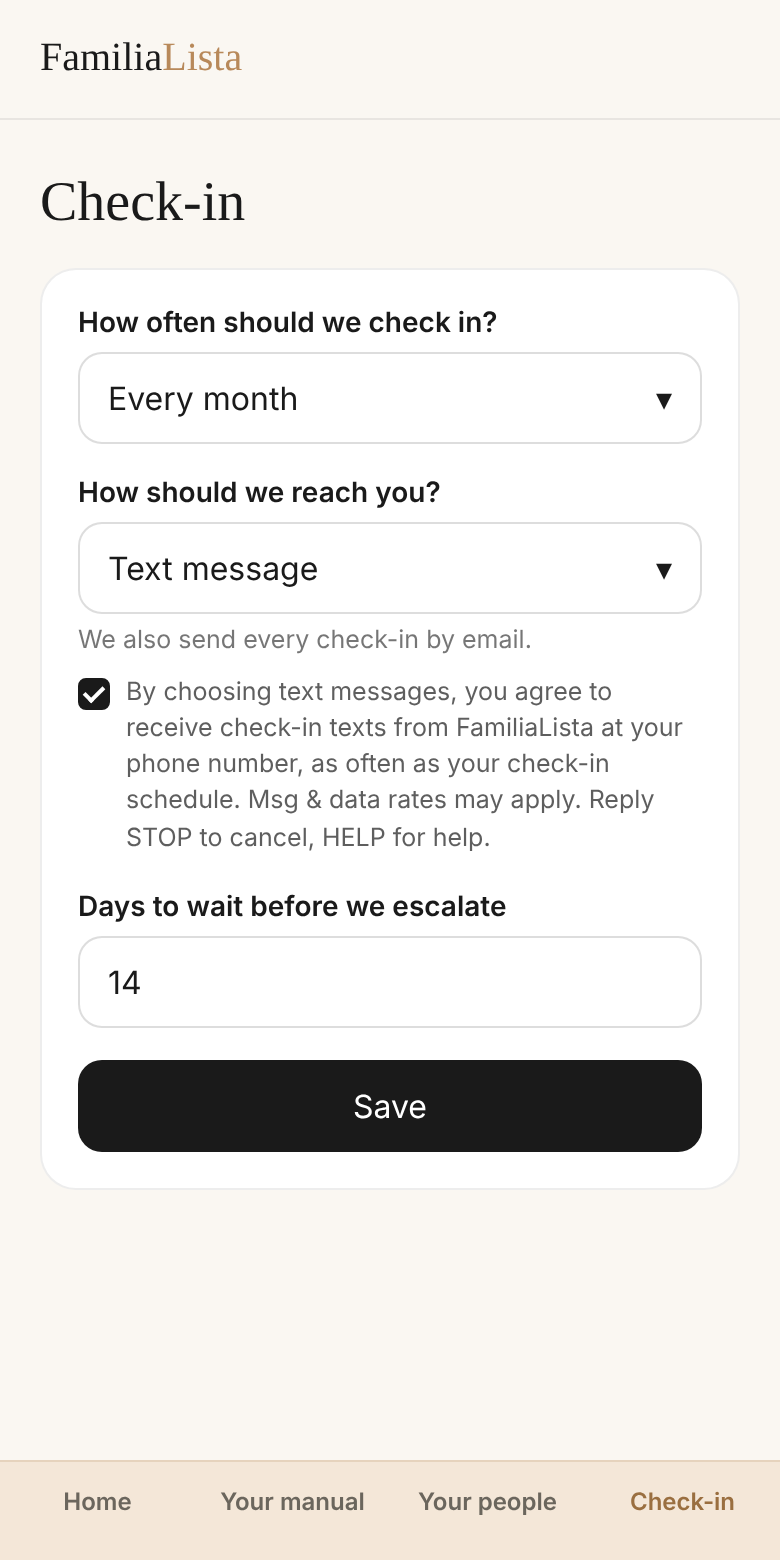
The Check-in screen is behind the member's login. These screenshots show exactly what the member sees.
2. Trusted contacts and family: opt in from their email
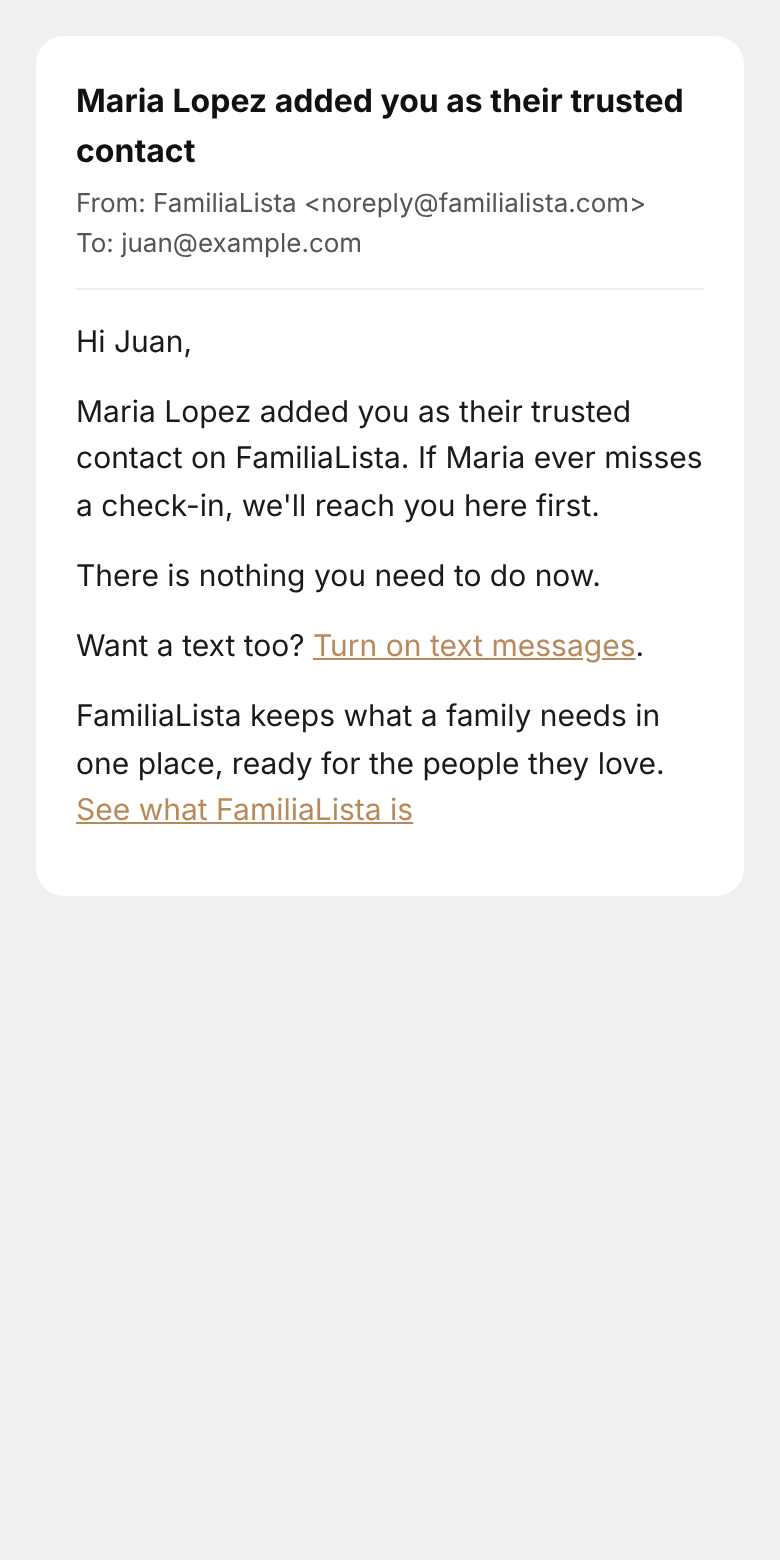
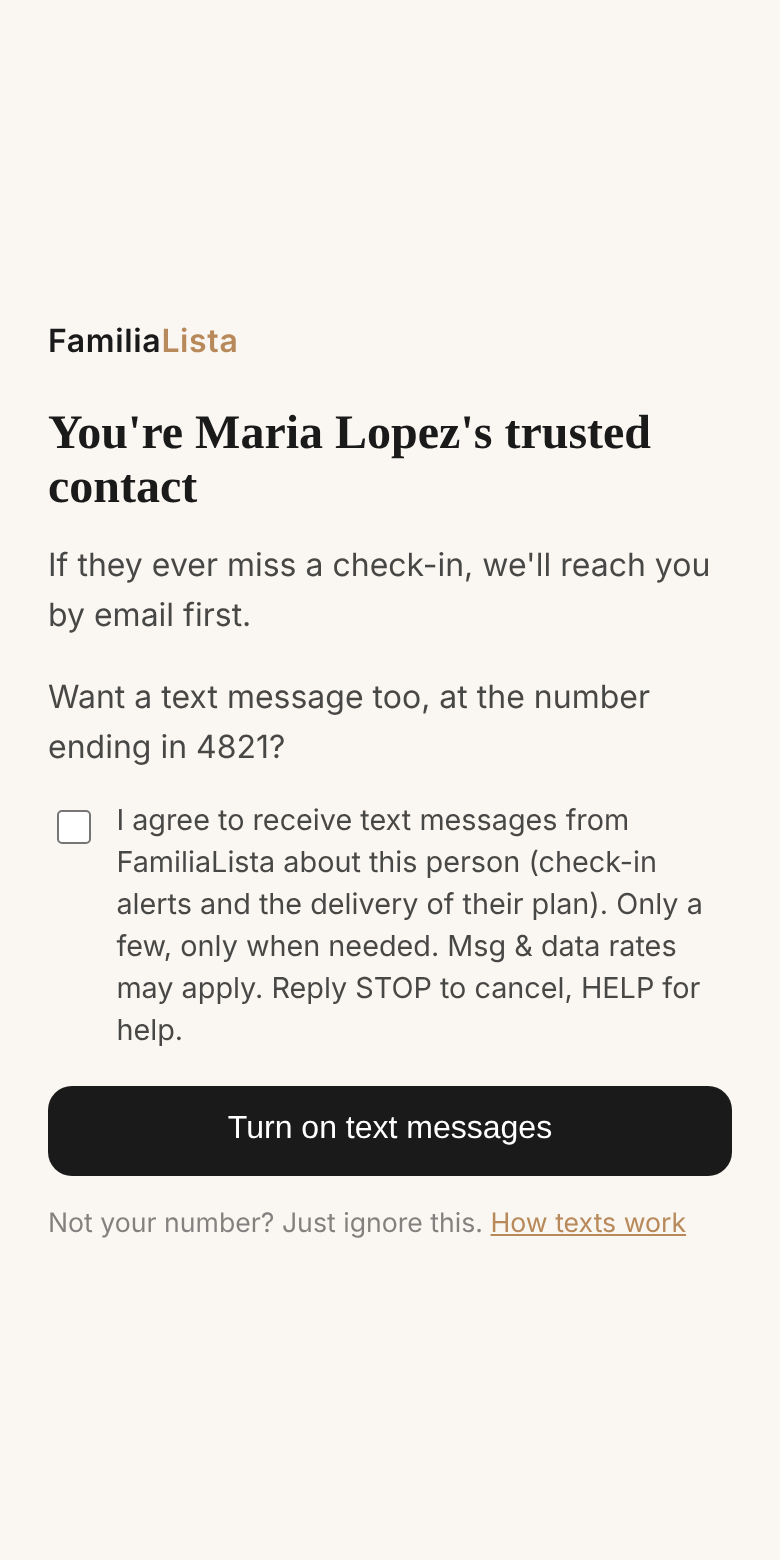
When a member adds a trusted contact or a family member, that person gets an email from FamiliaLista. If they want texts too, they tap Turn on text messages. That opens a page where they tick an unchecked box with this wording and tap the button:
I agree to receive text messages from FamiliaLista about this person (check-in alerts and the delivery of their plan). Only a few, only when needed. Msg & data rates may apply. Reply STOP to cancel, HELP for help.
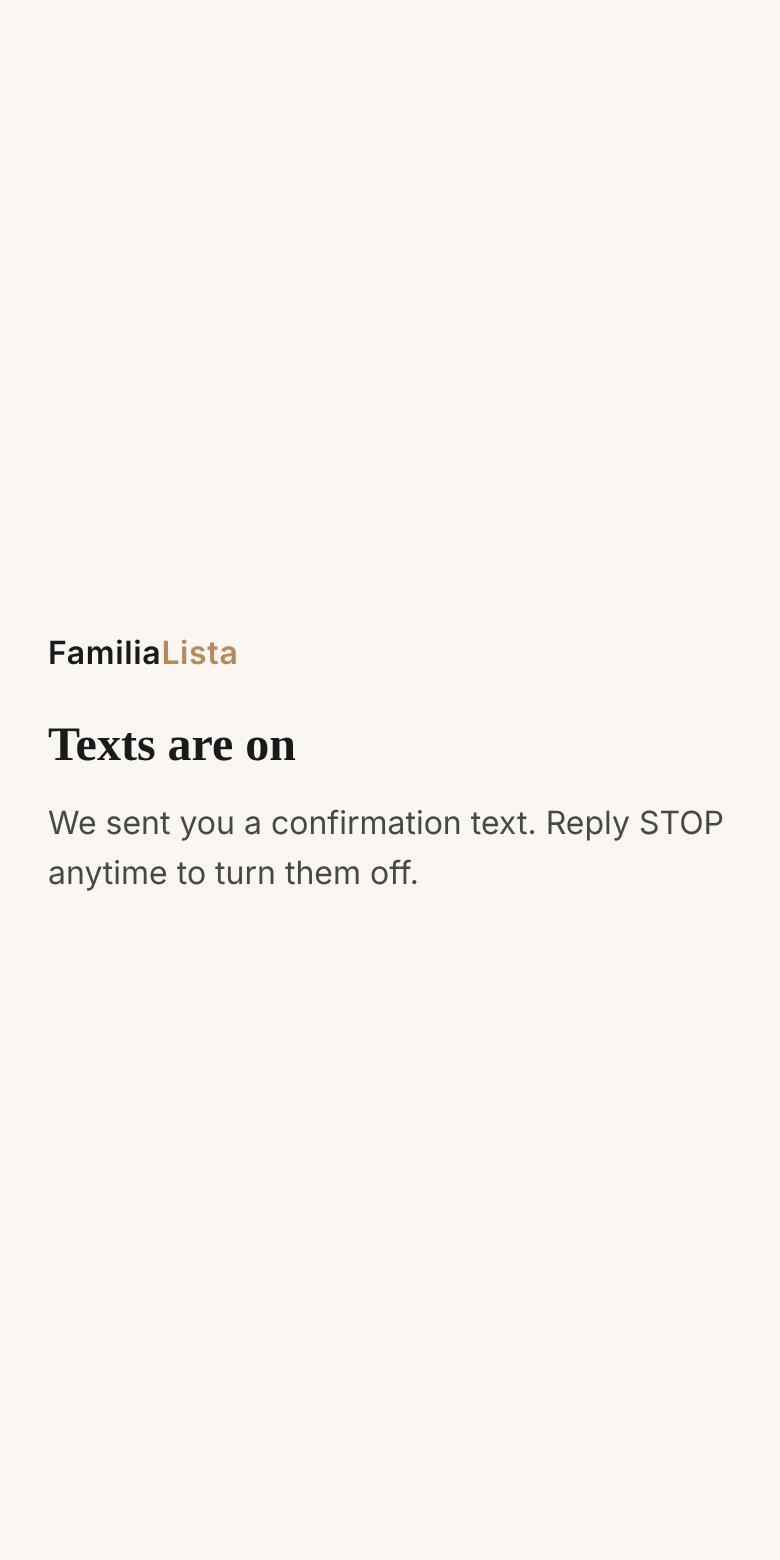
We keep a record of each yes: the date and time, the wording shown, and the browser it came from. Then we send one confirmation text:
FamiliaLista: Texts are on. We only text when someone who chose you needs you. Reply HELP for help, STOP to opt out.
What we send, and how often
Members: one check-in per period they pick (every week, every two weeks, every month or every three months). If they don't confirm, a few reminders follow over the grace period they set. Example:
FamiliaLista: Hi Maria, confirm your check-in: https://app.familialista.com/api/c/… Reply STOP to opt out, HELP for help.
Trusted contacts and family: only when the member they agreed to hear about misses their check-ins, usually never, and at most a few texts. Example:
FamiliaLista: Hi Juan, this is FamiliaLista. Maria Lopez chose you as their trusted contact, and they haven't confirmed their check-in. Could you reach Maria and ask them to confirm? It's one tap. If they don't, on November 3 their manual goes to the people they chose. You can re-send them the reminder here: https://app.familialista.com/… Reply STOP to opt out, HELP for help.
No marketing, no promotions. Check-ins, reminders and alerts only.
How to stop
Reply STOP to any text. Members can also switch to email or WhatsApp on the Check-in screen. Reply HELP for help, or write to contact@familialista.com. Message and data rates may apply. Message frequency varies. Carriers are not liable for delayed or undelivered messages. Mobile numbers and opt-in data are never shared with third parties or affiliates for marketing. See our Terms and Privacy Policy.
En español: mensajes de texto del check-in
Los textos están apagados de inicio. El miembro los activa dentro de la app, en la pantalla Check-in, eligiendo Mensaje de texto en "¿Por dónde te escribimos?" y guardando. Justo debajo ve este aviso:
Al elegir mensajes de texto, aceptas recibir los textos de check-in de FamiliaLista en tu número, con la frecuencia de tu check-in. Pueden aplicar cargos de mensajes y datos. Responde STOP para cancelar, HELP para ayuda.
Enviamos un check-in por periodo (cada semana, cada dos semanas, cada mes o cada tres meses) y unos recordatorios si no confirma. Solo check-ins, nada de publicidad. Responde STOP para cancelar. Ver Términos y Privacidad.